
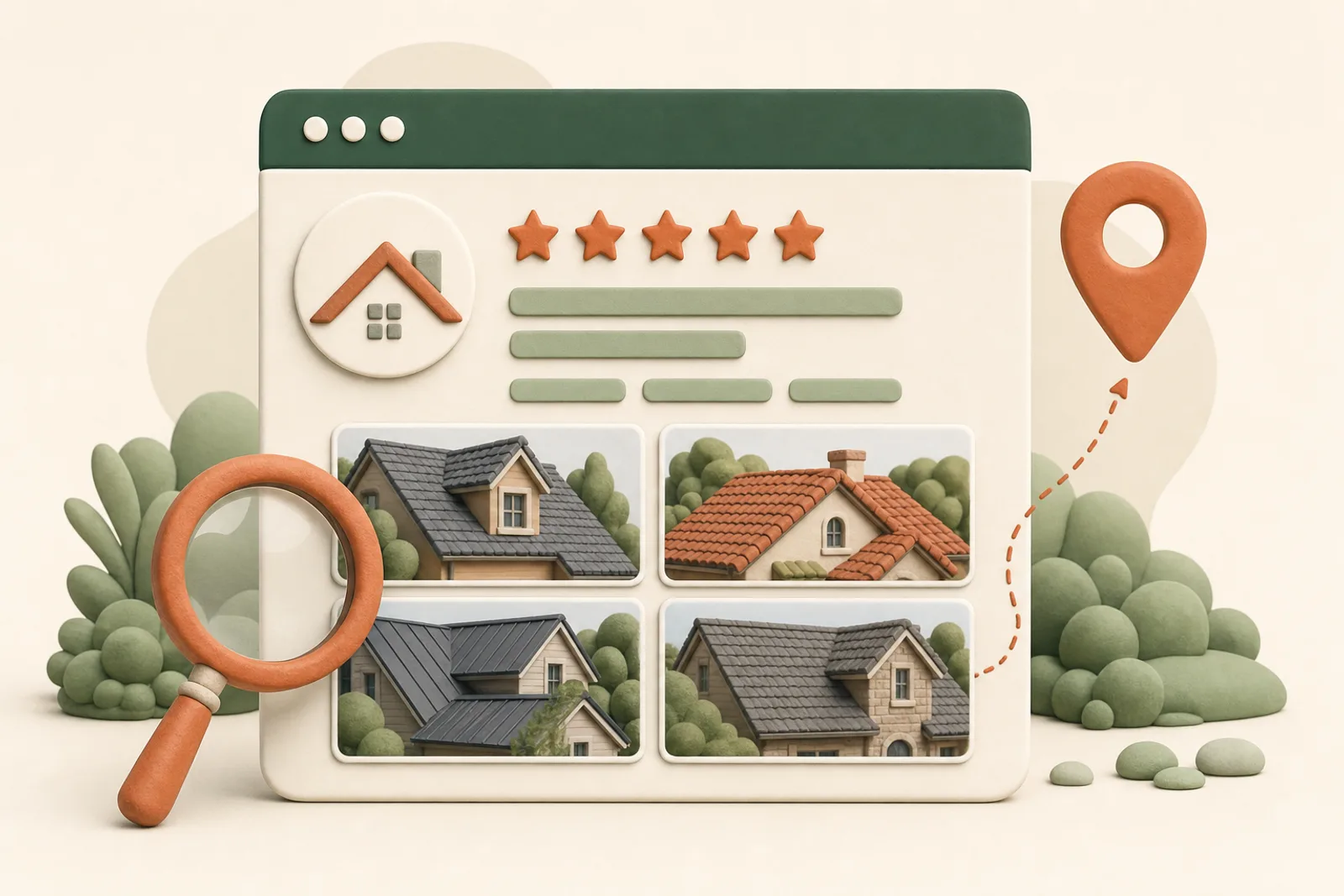

Your Google Business Profile is the storefront most homeowners see before they ever reach your website, and Google’s own research says customers are 2.7x more likely to consider a business reputable, 70% more likely to visit, and 50% more likely to consider purchasing when the profile is complete.
Most contractor guides for this topic recycle the same setup basics, cite statistics with no sources, and in several cases still recommend features Google killed in 2024. This one is built from Google’s actual documentation, current as of this writing, with links so you can check everything.
Get the foundation legal first
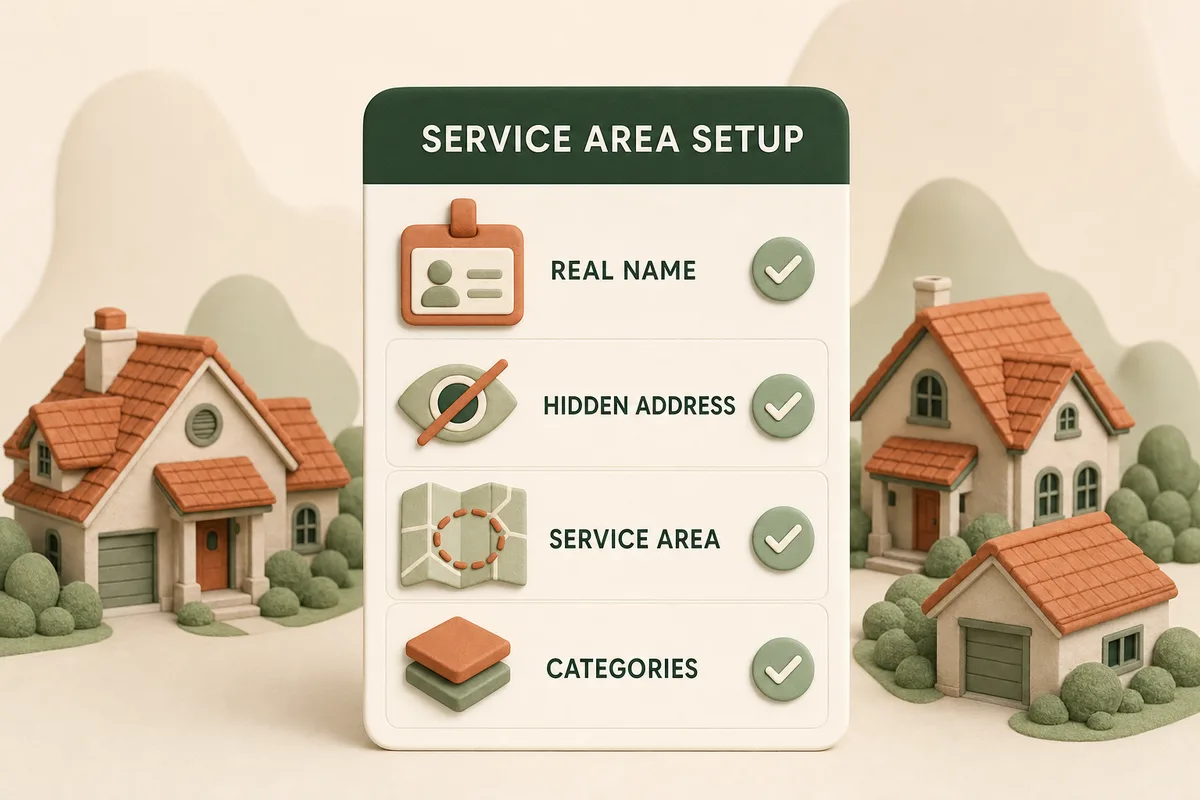
Roofers are almost always service-area businesses in Google’s taxonomy, and the guidelines are specific:
- One profile, hidden address. Businesses that serve customers at their locations “should have one profile for the central office or location with a designated service area.” If homeowners do not walk into your shop, hide the address and define the area you serve.
- No virtual offices. A rented mailing address that is not staffed during business hours “isn’t eligible for a Business Profile.” The fake-suburb-office trick gets profiles removed, and competitors report them.
- Your real name only. The name field must match “your business’s real-world name, as used consistently on your storefront, website, stationery.” “Summit Roofing | #1 Rated Dallas Roofers” is a suspension waiting to happen.
- Categories: minimal and true. “Roofing contractor” primary, then only categories you genuinely serve. Google’s own advice: “use as few categories as possible.”
Then fill everything: hours, phone, services with descriptions, and the business description. BrightLocal’s research found 85% of consumers consider visible contact info and hours important, and about one in five local searches starts directly in a maps app. An empty field is a homeowner’s unanswered question.
Photos: the specs and the strategy
Google’s photo documentation sets the technical floor: JPG or PNG, 10 KB to 5 MB, minimum 250 x 250 pixels with 720 x 720 recommended, “in focus and well lit” with “no significant alterations or excessive use of filters.” Videos: 30 seconds, 75 MB, 720p or better.
The strategy layer is simple and almost nobody in roofing does it: make jobsite photos a crew habit. Before and after from every roof, the crew at work, the truck in the driveway, uploaded steadily rather than dumped once. A profile whose newest photo is from 2023 tells homeowners exactly what a stale review profile tells them. (A widely cited Google figure holds that profiles with photos earn 42% more direction requests and 35% more website clicks; Google’s original page for it is gone, so treat it as industry lore with a secondhand source, but the direction of the advice does not depend on the number.)
Posts: the six-month treadmill
Google’s posts documentation gives you three formats (updates, offers, events) that appear right on your profile in Search and Maps. Two rules from the same doc that trip contractors: posts older than six months are archived unless you set a date range, and posts with phone numbers in the description “might get rejected.”
A sustainable roofing cadence: one post a month minimum (a completed project with a photo beats an announcement), plus event-style posts for seasonal pushes (spring inspection season, post-storm response, end-of-season scheduling). It is fifteen minutes a month for a permanently fresh storefront.
The features that are dead (check your advice’s pulse)
Here is where most competitor guides embarrass themselves: Google discontinued Business Profile chat and call history on July 31, 2024, per Google’s own notice. Guides still telling you to “turn on messaging and respond within 24 hours” were written before that date and never checked again.
What still works for direct contact: your phone number, and links to text or WhatsApp that Google surfaces on profiles. If a guide’s advice includes profile chat, ask what else it never updated.
Reviews: the engine, covered properly elsewhere
Reviews deserve their own playbook, because the rules are now federal as well as Google policy, and we wrote it: how roofers win the map pack with reviews. The short version for this checklist: ask after every job with the direct link, respond to everything, never gate, never incentivize.
Q&A, services, and the fields nobody fills
Three under-used surfaces on every roofing profile:
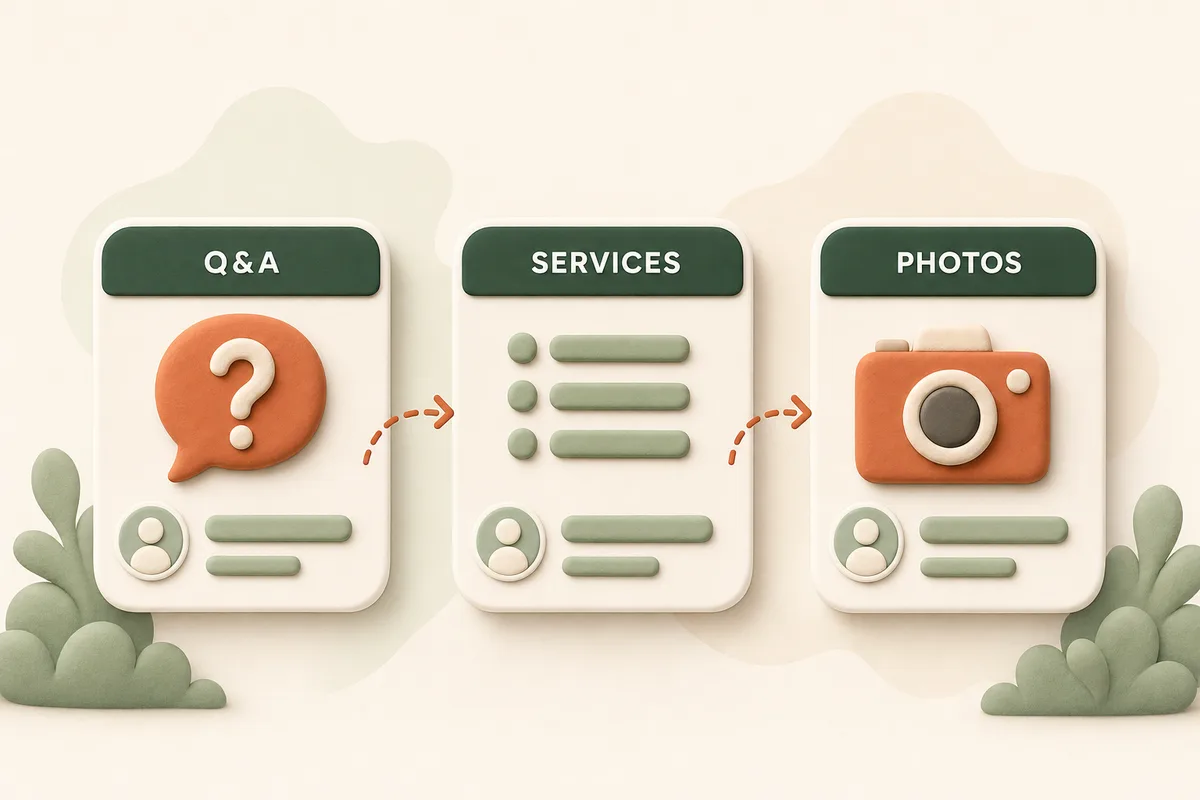
- Q&A. Anyone can ask questions on your profile, and anyone can answer, including competitors and confused strangers. Seed it yourself with the ten questions homeowners actually call with (Do you handle insurance claims? Do you do repairs or only replacements? Are you licensed and insured?) and answer them as the owner.
- Services. List every service with a description, matched to the service pages on your website. This is relevance data Google explicitly uses.
- Attributes. Veteran-owned, women-owned, languages spoken: fill what applies. They show on the profile and cost nothing.
Track it like the asset it is
Your profile’s performance data (calls, direction requests, website clicks, the searches that surfaced you) lives in the profile dashboard. Check it monthly against one question: are profile actions growing? Pair it with call tracking on the website side, which we cover in the lead generation setup, and you can see the whole path from search to ring.
And remember what the profile feeds: Google’s local ranking documentation says results are built on relevance, distance, and prominence, with reviews and links driving prominence. The profile is the relevance half of that machine. The full system, including the website side, is in the complete roofing SEO guide.
The 90-minute setup order
- Claim and verify the profile; set service-area mode and hide the address (20 min)
- Real name, categories, hours, phone, description (20 min)
- Services list matching your website’s service pages (15 min)
- First 20 photos: real jobs, crew, trucks (20 min)
- Seed five Q&A entries with owner answers (10 min)
- First post: a recent completed project (5 min)
Then the habits: photos as jobs finish, one post a month, review ask after every job, dashboard check monthly.
If you want to know how your current profile scores against all of this, and against the three roofers beating you in the map pack right now, get a free audit. Profile review is part of it, and the fix list is yours to keep.
Frequently asked questions
- How should a roofing company set up its Google Business Profile?
- As a service-area business, per Google's guidelines: one profile for your central office, address hidden if customers do not visit it, service area defined by the places you actually work, your real-world business name with no added keywords, and as few categories as truthfully describe the work, starting with Roofing contractor.
- Can I add keywords like 'best' or my city to my Business Profile name?
- No. Google's guideline says your name 'should reflect your business's real-world name' as used on your storefront and stationery. Stuffed names are a suspension risk, and profiles do get suspended for it. Your city and services belong in the description, services list, and categories instead.
- How many photos should a roofing company have on its profile?
- Google's specs: JPG or PNG, at least 250 x 250 pixels (720 x 720 recommended), well lit and unfiltered. There is no official minimum count, but a profile with a few dozen real job photos, refreshed as you complete work, beats a logo and two stock images every time. Real crews, real roofs, real neighborhoods.
- Does posting on Google Business Profile help roofing SEO?
- Posts keep your profile active and give searchers current proof you are working, and Google archives them after six months, so a monthly cadence keeps something fresh visible. Two practical rules from Google's documentation: set date ranges on offers, and do not put phone numbers in the post text, which can get a post rejected.
Read more

Why your roofing website isn't getting leads (a 15-minute diagnosis)
The seven failure points that silence a roofing website, in the order to check them, with the homeowner behavior data that explains each one.
What to expect from roofing SEO, month by month
The honest timeline nobody puts in the proposal: what actually happens in months 1 through 12 of a roofing SEO engagement, what to measure, and when to worry.